
Ready to start a podcast with confidence? This friendly guide walks you from idea to launch in clear, actionable steps. You’ll learn how a podcast is an on-demand audio series people download or stream, and why listeners value its personal tone.
We condense a proven 10-step roadmap used by platforms like Buzzsprout, which has supported over 300,000 creators since 2009. Expect help with concept, format, gear, recording, editing, artwork, hosting, directories, and growth.
You don’t need a studio to begin. This short guide shows how to capture clean sound, craft strong content, and prepare your first episodes so your audience can find them. Use the simple checklists and tips to improve as you go.
For a practical writing checklist, see this resource on how to start podcast scripts and shape each episode.
Key Takeaways
- Understand a podcast as on-demand audio that builds direct audience connection.
- Follow a clear step guide from concept to hosting and submission.
- No fancy gear needed—focus first on clean recordings and strong content.
- Use checklists for format, artwork, editing, and directories to launch fast.
- Plan growth with CTAs, cross-promotion, and listener feedback to keep improving.
What is podcasting and why it matters right now
A podcast is a simple series of audio episodes you can stream or save to listen anytime. It started in 2004 with the “iPodder” idea that automated downloads to iPods, and today shows reach people across phones, cars, and smart speakers.
How it works:
- A podcast is a packaged audio file series that plays in a podcast app or browser.
- Listeners subscribe so new episodes arrive automatically in their feeds.
- Creators publish without a broadcast license and use directories to be found.
Audio-only shows are faster and cheaper to make. Adding video helps reach YouTube viewers and lets an audience put faces to voices. Choose the medium that matches your audience and goals.
Good discovery hinges on clear titles and descriptions. Directories like Apple Podcasts, Spotify, and Overcast index feeds so listeners can search and subscribe. Clear keywords and a strong title make a big difference.
Quick comparison
| Feature | Audio | Video |
|---|---|---|
| Production speed | Faster | Slower |
| Equipment cost | Lower | Higher |
| Audience reach | Podcast apps & car listeners | YouTube and social video |
| Best use | Quick takes, storytelling, interviews | Demos, visible interviews, branded video |
Clarify your concept: goals, niche, and podcast listeners
Clarify one main outcome for your show so every episode moves you closer to that goal. Decide whether you want business leads, build industry authority, or tell stories that move people. Your why shapes format, guest choices, and promotion.
Define your why:
Define your why: business leads, authority, or storytelling
- Pick a primary goal—lead generation, reputation in your industry, or sharing stories.
- Focus topics that support that goal so each episode has a clear purpose.
Niche down with example angles
Move from broad to specific. For example: “Mental health for lawyers” or “Nutrition for diabetics.” Narrowing attracts loyal listeners and makes your content easier to market.
Name and positioning: memorable, searchable, on-brand
Make sure your show name is short, searchable, and matches your brand. Check domain and social availability before you commit. Test viability by writing 10 episode ideas—if ideas stall, refine the topic. Delay final artwork until your message is locked; the title and positioning should guide visuals.
Pick a sustainable format and episode plan
Choose a show style that fits how you work and how much time you can commit. A steady plan beats a perfect launch if you want long-term momentum.
Common formats include conversational cohost shows, a podcast interview series, narrative nonfiction that channels an American Life feel, scripted fiction, and repurposed content from blogs or talks.
Episode length and cadence
Many podcasts land in the 20–40 minute range (Buzzsprout data), with 40–60 minutes next most common. Short shows under 20 minutes also work if the value is dense.
Weekly publishing builds habit for people who subscribe and regularly listen episodes. But pick a cadence that fits your life—biweekly is fine if it keeps quality high.
Practical production tips
- Match format to effort: narrative or scripted needs more writing and audio editing; conversation and interviews often move faster.
- Outline repeatable segments (intro, topic blocks, CTA) to speed up editing and help listeners follow.
- Systematize guest outreach, prep briefs, and recording checklists for smooth podcast interview sessions.
- Test a pilot batch (3–5 episodes) and build seasonal breaks so you can recharge.
Pro tip: For episode templates and prompts, see this handy resource on creative episode prompts.
Podcast equipment that fits your budget and space
Great sound starts with gear chosen for your space and show size. Pick tools that match whether you record alone, with a cohost, or a small roundtable.
Dynamic vs. condenser: Dynamic microphones capture less room noise and make post-production easier for spoken word. Condenser mics are more sensitive and suit music or treated rooms.
USB vs. XLR: simple or scalable
| Feature | USB | XLR |
|---|---|---|
| Cost | Lower | Higher (interface needed) |
| Ease | Plug-and-play | Needs mixer/interface |
| Upgrade path | Limited | Flexible |
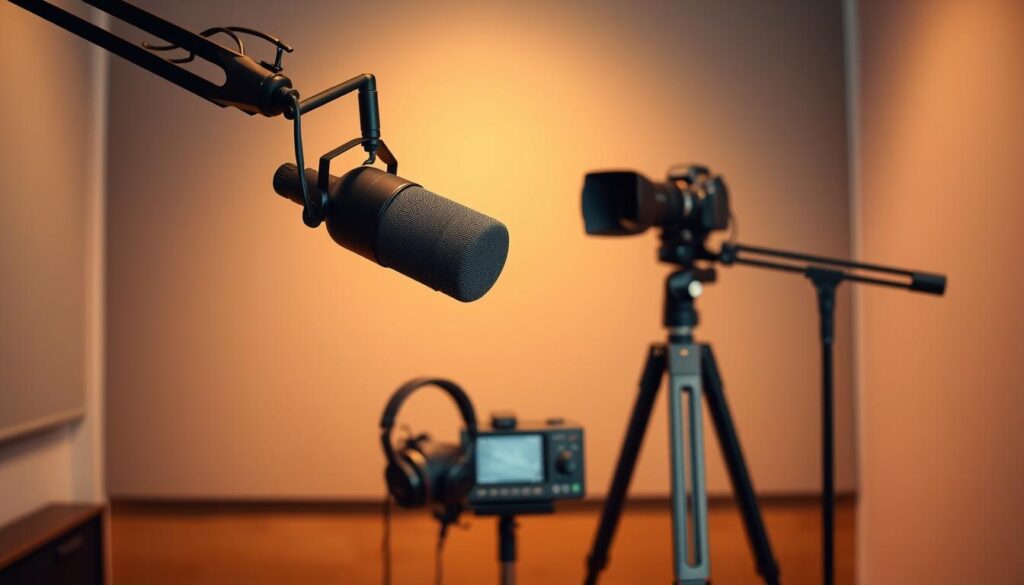
Starter examples: Samson Q2U (~$70) is a reliable solo choice. For two people, two Q2Us + Focusrite Scarlett 2i2 and ATH‑M20x headphones ~ $400. For 3–4, add multiple Q2Us, M20x cans, and a RODECaster Pro or Zoom PodTrak for easy mixing.
Accessories and practical tips
- Budget for closed-back headphones (Audio‑Technica ATH‑M20x) to monitor while recording.
- Use boom arms, shock mounts, and pop filters to cut handling noise and plosives.
- Treat rooms with rugs, curtains, and soft furnishings before buying costly gear.
- Keep cables tidy for audio video shoots so mics stay out of frame and sound stays clean.
- Back up each recording file to two locations and label takes for easy editing.
Upgrade path: Start lean, identify bottlenecks (noise, monitoring, or mixing), then add an interface, better mics like the PodMic or Shure SM7B, and a mixer when needed.
Choose recording and editing software
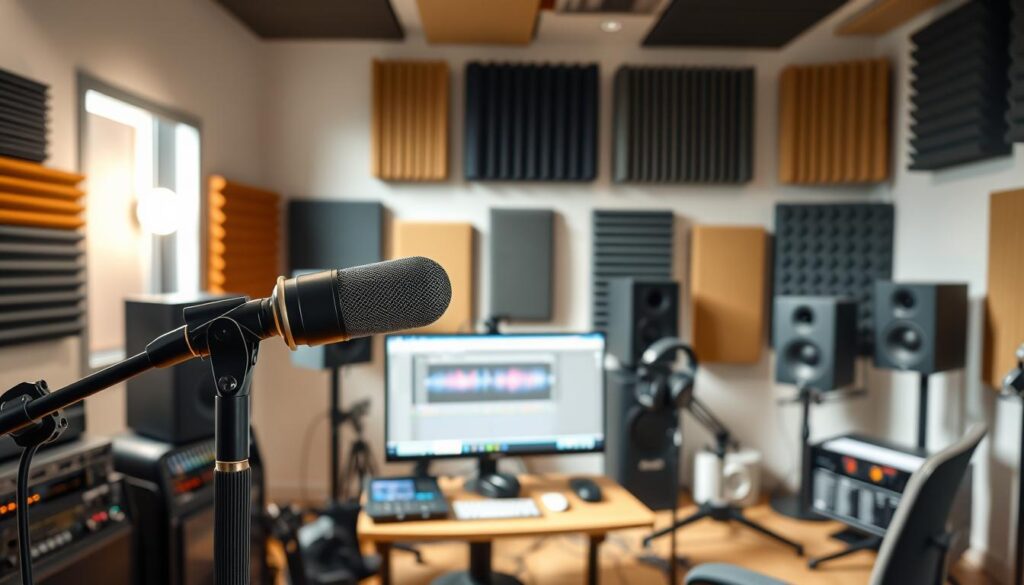
The right software keeps interviews smooth, files organized, and edits fast. Match tools to your needs: remote calls, audio-only edits, or audio video projects.
Remote recording options
Riverside records local audio and video per person, adds browser-based editing, and starts around $15/month. It’s great for clip-ready episodes.
SquadCast captures local WAV tracks for each guest and is built for high-quality podcast interview sessions; plans begin near $12/month.
Zoom is familiar and easy for guests. Expect average quality unless you tweak settings and record backups.
Audio editing software
Beginners on Mac can use GarageBand. Cross-platform folks often pick Audacity. For edit-by-text workflows choose Descript. For spoken-word polish, try Hindenburg.
Workflow helpers
Use tools like Magic Mastering for loudness cleanup, Cohost AI for transcripts, titles, and chapters, and Audio Hijack to capture system audio.
| Tool | Best for | Price | Notes |
|---|---|---|---|
| Riverside | Local audio/video | $15+/mo | Browser-based clips and live call-ins |
| SquadCast | High-quality remote WAV | $12+/mo | Reliable for interviews |
| Descript | Text-based editing | $12+/mo | Filler removal, overdub |
| Audacity / GarageBand | Editing basics | Free | Good for tight budgets and quick edits |
Example workflow: record local tracks, back up to the cloud, rough cut, apply light processing, then export the final file for your host. Give guests a short tech brief and a test recording so listeners hear steady quality.
Keep the stack simple and repeatable. For extra tips and tools, see our resources for success.
Record your first podcast episode the right way
Start by writing a short plan and finding a quiet space. A loose script or bullet outline keeps you focused and helps you respect your listener’s time. Use a one-page show flow: intro, main points, guest cue, CTA, and sign-off.
Structure and on-mic routine
Keep it simple. Use a brief podcast script or bullet outline so you avoid rambling. Mark timestamps for segments and note strong quotes to pull for social clips.
Room setup and mic technique
Record in a soft-furnished room—curtains, rugs, and couches cut reflections and yield cleaner audio. Place USB mics directly into your computer; use XLR mics with an interface or a recorder like a PodTrak P4.
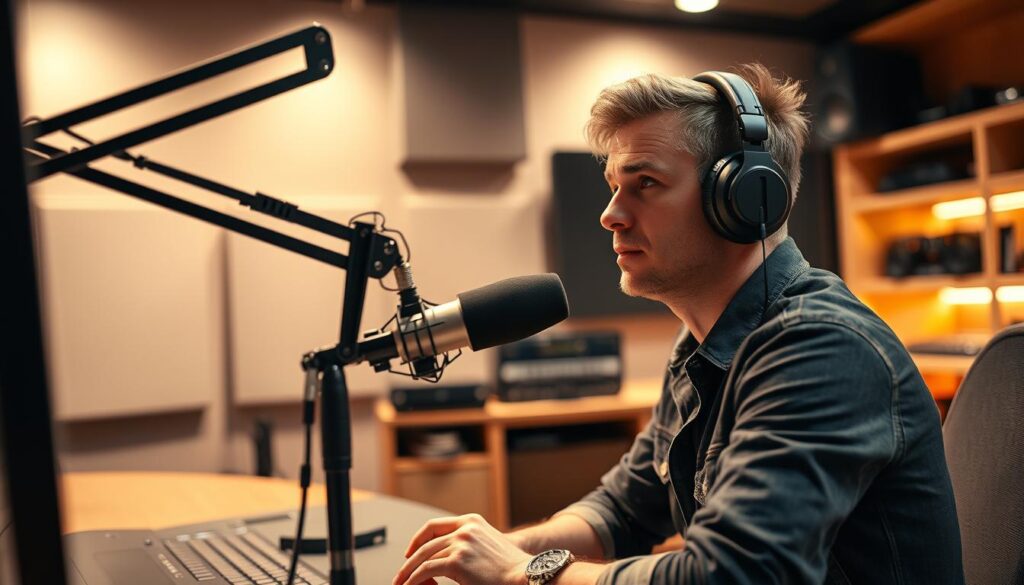
- Stay 2–4 inches from the capsule and angle slightly off-axis to reduce plosives and sibilance.
- Do a short test track, listen on headphones, and adjust gain and position.
- Coach other people to record in similar spaces and to wear headphones to avoid bleed.
- Keep water nearby, silence notifications, and save each take immediately to avoid losing a file.
- Capture 10–15 seconds of room tone at the end for noise reduction in post.
“Relax, smile, and let your voice invite listeners into the conversation.”
Batch when life allows it: record multiple episodes when you have energy so publishing stays consistent and sustainable.
Edit your audio file for clarity and flow
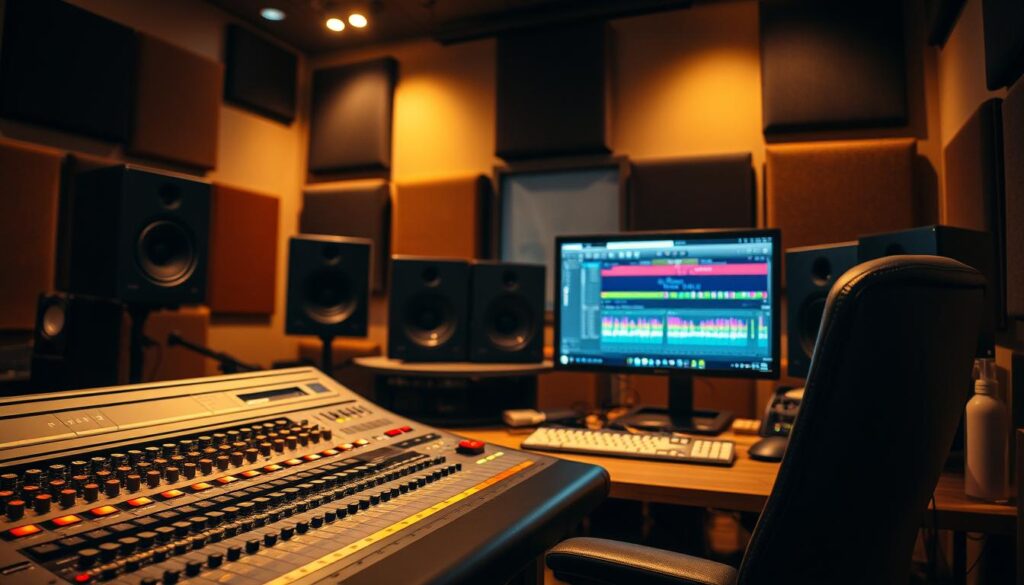
Begin your edit by shaping the story: tighten segments so each minute earns the listener’s attention. Start with content edits before any noise work. Use your podcast script or outline to confirm promised segments are present.
Content-first passes
Trim tangents, remove repeats, and tighten pacing. Work at 1x speed and keep a punch-list of spots to revisit. Balance voices and check that the episode builds to a clear takeaway.
Noise cleanup, fades, and polish
On a second pass, fix room hum, breaths, and clicks. Use gentle filters and short fades around cuts to avoid artifacts. Add music and stings from trusted libraries like Soundstripe or Storyblocks, then lower beds so dialogue stays dominant.
- Set consistent loudness with your editing software and check balance.
- Export a high-quality WAV for mastering or hosting; many hosts convert and write ID3 tags for you.
- Name files with episode numbers and test the final mix on earbuds, speakers, and in a car.
“Edit for content first, then fix the sound—this saves time and keeps episodes focused.”
For structured prompts to speed your workflow, try these audio editing prompts. Keep a simple checklist so each podcast episode is fast to finish and reliable for listeners.
Branding essentials: artwork, music, and show descriptions
A clean cover, a catchy intro, and a clear description make a big first impression. These three assets help people decide whether to tap play and become a regular listener.

Podcast cover specs for Apple Podcasts and directories
Exact specs: 3000×3000 px, 72 dpi, RGB, JPEG or PNG.
Keep text to four words or fewer and test how the image reads at tiny sizes (think 55×55 px).
Visual identity and titles/descriptions with the right keywords
Make sure your title is short and front-loads the main keyword so searchers spot it fast.
Write a one-sentence lead that states the unique value, then add scannable bullets or short lines with relevant keywords for episodes and show pages on your websites.
Intro/outro music and stings that set the tone
Pick short, royalty-free music from sources like Soundstripe, AudioJungle, or Storyblocks.
Match tone: friendly, authoritative, or playful—but never let beds overpower dialogue. Credit music and confirm license terms in show notes.
- Align cover, fonts, and color palette across websites and social profiles.
- Create a simple style guide for covers, audiograms, and episode art.
- Add accessibility notes and a link to full show notes so listeners can find resources easily.
“Design for tiny screens and clear audio cues—small details keep listeners coming back.”
Hosting, RSS feed, and getting into podcast directories
A solid hosting provider turns your uploaded audio into a live feed that podcast apps can read. You upload each audio file to the host, which stores the file and publishes an rss feed that directories use to list your show.
How hosting platforms work
Hosts serve your episodes and keep your rss feed live. Many add ID3 tags, convert files, and offer a simple website so your show looks professional on the internet.
Submitting to directories
Create accounts, paste your feed URL, and verify. Submit once to Apple Podcasts, Spotify, and directories like Overcast. After approval, new episodes push automatically to every podcast app that reads your feed.
Website, transcripts, and accessibility
Build a basic podcast website with players, show notes, and subscribe buttons to capture new listeners from search. Add transcripts for accessibility and SEO—many hosts integrate transcript services.
- Validate your feed with a checker.
- Keep tidy titles, numbers, and summaries for discovery.
- Plan review times (Apple Podcasts can take several days).
Tip: Test your rss feed in multiple apps before launch to catch errors early.
Launch strategy and growth channels for new listeners
A smart launch pairs a short trailer with a mini episode batch so curious people can binge and subscribe fast. This gives new listeners immediate context and a reason to stick around.

Trailer, pilot batch, and cross-promotion
Plan a punchy trailer under two minutes that sells your premise.
Release a pilot batch (2–4 episodes) so people can binge and form a habit. Submit your rss feed to directories like Apple Podcasts ahead of launch so listings propagate.
Cross-promote with podcasts like yours via guest swaps, mentions, and feed drops to tap nearby audiences quickly.
Calls to action: reviews, follows, and listen in-app
Include clear CTAs in every episode: ask listeners to follow in their podcast app, rate on Apple Podcasts, and share with a friend.
“Ask once with warmth—specific CTAs like ‘follow’ or ‘leave a review’ move the needle more than vague requests.”
Community building and consistent cadence
Build touchpoints: a simple newsletter, Q&A posts, and listener shout-outs keep momentum between episodes.
Align your start podcast plan with a steady release cadence—weekly episodes help form listening habits and grow audience trust.
| Action | Why it works | Quick tip |
|---|---|---|
| Trailer + pilot batch | Gives bingeable content and context | Keep trailer |
| Cross-promotion | Taps adjacent audiences fast | Swap guest spots within a month |
| CTAs & ratings | Boosts discoverability in apps | Ask to follow and rate on Apple Podcasts |
| Community touchpoints | Improves retention between episodes | Send weekly highlights or polls |
Track what resonates—topics, titles, and episode length—and double down on the podcast content that leads to follows and completion. For a practical launch checklist and a free course that walks you through the steps, see our guided materials.
Conclusion
Bring your idea to life with a few practical steps that prioritize momentum over perfection. Use this compact step guide: define your concept, pick a format, choose simple gear, record, edit, brand, host, submit, launch, and grow. This guide makes starting clear and doable.
Important: start podcast with the simplest viable setup so you publish and learn fast. Consistency wins—regular audio releases and friendly CTAs turn casual listeners into a loyal audience.
Create podcast workflows that fit your week. Script lightly, treat your room, edit for clarity, and keep CTAs specific. Outline your first three episodes, schedule a recording window, and prepare your submission to Apple Podcasts.
Listen to feedback, iterate on content, and keep experiments small. You have the tools and tips to hit record, ship your first season, and reach the audience you want.
FAQ
What is a podcast and how do listeners access episodes?
Audio or video — which format should I choose?
How do I define my podcast’s niche and goals?
What format and episode length work best for beginners?
What basic equipment do I need to start?
Which recording and editing tools should I consider?
How do I prepare a first episode without rambling?
What editing steps make audio sound professional?
What cover art and metadata do directories require?
How do hosting platforms and RSS feeds work?
How can I launch and grow my audience quickly?
Do I need a website or transcripts to attract new listeners?
How do I pick intro/outro music that fits my brand?
What are affordable accessories that improve sound quality?
How should I export audio for best compatibility with podcast apps?


