
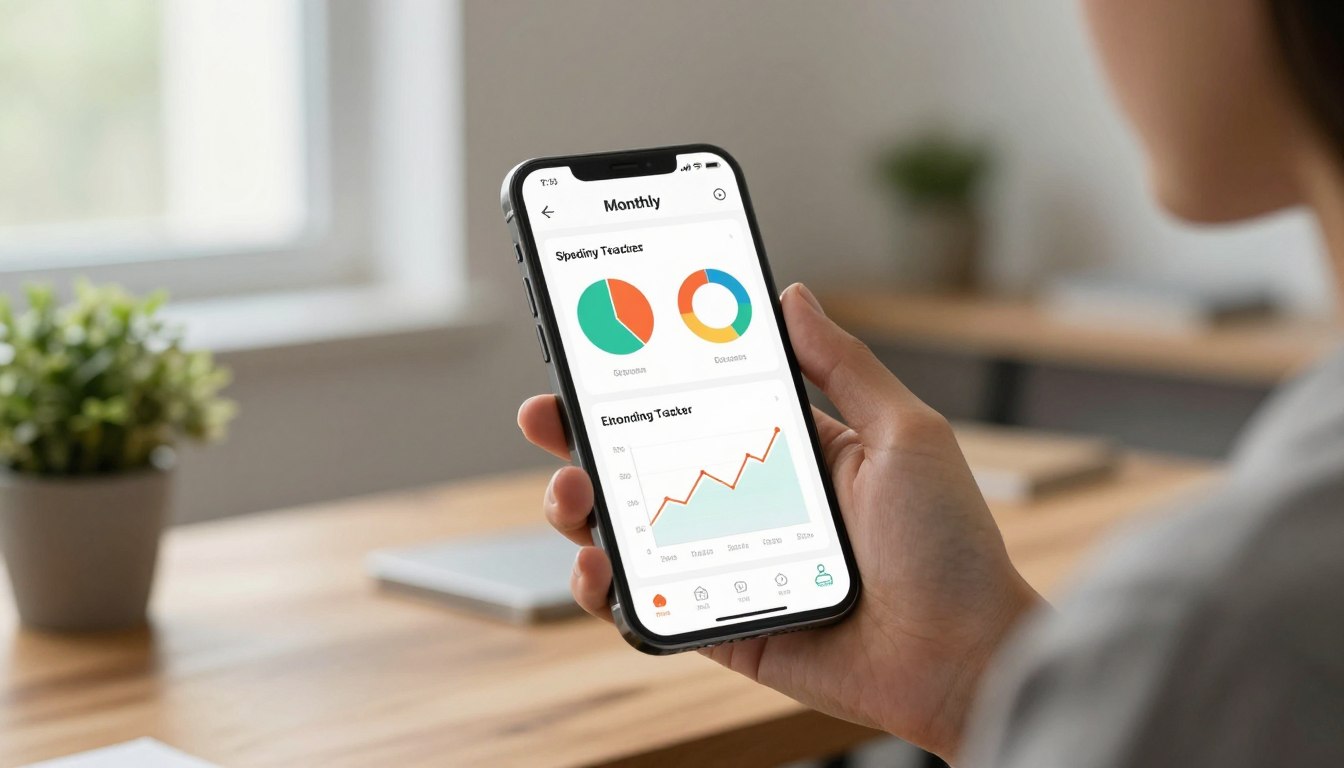
Looking for simple ways to manage cash this month? Many people find that the best ways to track monthly spending automatically start with a good app. The U.S. Bureau of Labor Statistics notes common pay periods are weekly, biweekly, and semimonthly, so an app that adapts to those cycles makes budgeting easier.
Budgeting apps can turn your smartphone into a powerful tool. They sort transactions and show where your money goes. This helps you set goals, save for a home, or pay off debt with clearer choices each month.
In this guide, we explore tools that categorize purchases and offer insights for better decisions. Consistent tracking is the first step toward smarter saving and healthy financial habits. For practical saving tips, check a short guide on how to save money.
Key Takeaways
- Use an app that matches your pay cycle for easier budgeting.
- Modern apps categorize transactions for clearer views of spending.
- Consistent monitoring helps you spot chances to cut costs.
- Smart tracking supports goals like saving or debt payoff.
- Start small and let the app guide daily money choices.
Why Tracking Your Monthly Spending Matters
Knowing where every dollar goes makes financial choices clearer. Good tracking gives you a factual view of cash flow and helps you decide what stays and what changes.

The Role of Financial Literacy
Learning the basics is a powerful first step. Resources from Intuit cover taxes, loans, investments, and credit use. These guides show how small changes affect long-term outcomes.
Improving financial literacy helps you spot costly habits. When you know the rules, you can make clearer choices with your money.
Setting Realistic Savings Goals
Tracking expenses reveals where cuts are possible. For example, reducing dining out can speed progress toward a 20% down payment on a home.
- Use financial education to build confidence and better decisions.
- Record expenses so you see which habits block your savings goals.
- Set clear targets and spend a little time each week reviewing progress.
The Best Ways to Track Monthly Spending Automatically
Linking your accounts to a smart app removes most of the guesswork. Many modern apps let you sync a bank feed and import daily transactions. That saves time and reduces manual errors.
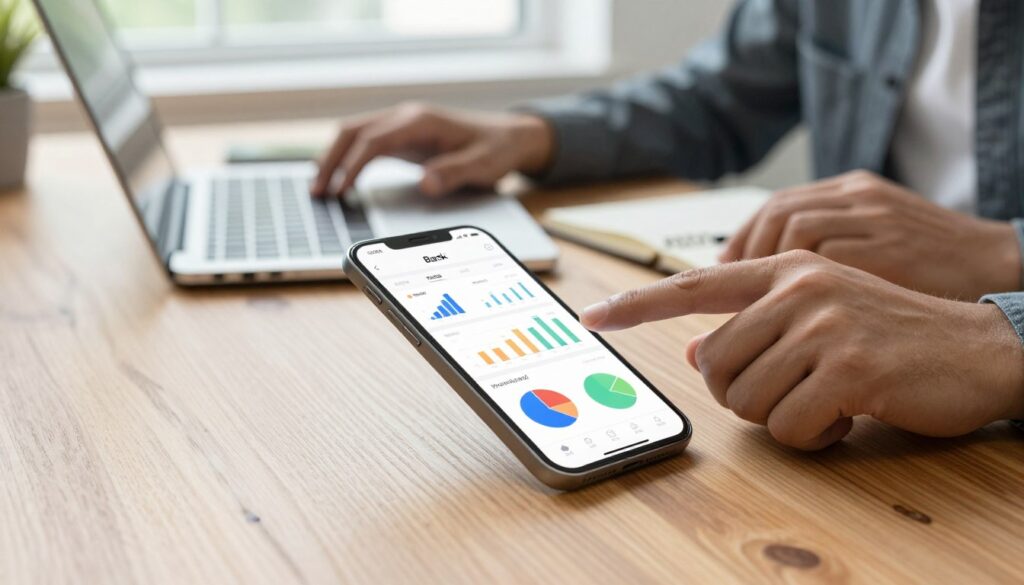
Associated Bank offers Money Monitor tools that deliver a clear, real-time summary of spending and savings. This kind of automation shows progress without extra effort.
- Auto-syncing: apps pull data from your accounts so you don’t enter each purchase.
- Real-time updates: view current balances and recent transactions anytime.
- Auto-categorization: visual charts make it easy to see where money flows.
“Automate what you can; review what matters.”
Choosing a tool depends on the features you need. If you want quick wins and simple tracking, try one that offers bank syncing and clear charts. For saving tips that pair well with these tools, see a short guide on saving money fast.
Understanding the Zero-Based Budgeting Philosophy
Zero-based budgeting means your plan starts by giving every dollar a purpose before you spend. This method reduces guesswork and forces clear choices about priorities.
Apps like YNAB (You Need a Budget) help you assign funds from each paycheck so your income is matched to needs and goals. That structure keeps your accounts aligned with what matters most.

Giving Every Dollar a Job
EveryDollar uses the same zero-based idea and lets you create many categories. You can add custom buckets for bills, saving, and fun without confusion.
When you give a specific job to each dollar, you cut waste and direct money toward goals. This hands-on approach suits people who prefer active control of their budget.
- The zero-based philosophy requires you to assign purpose for each dollar of income.
- Both YNAB and EveryDollar provide the tools and structure to make this practical daily.
“Assigning a purpose to each dollar removes the guesswork and makes money work for your priorities.”
Digital Envelope Methods for Modern Spenders
Digital envelopes let you assign cash to categories without carrying physical bills.

Goodbudget brings the tried-and-true envelope method into the app era. You create envelopes for rent, groceries, debt payoff, or a vacation and allocate funds at the start of each pay period.
The app will flag overspending with red envelopes, giving immediate feedback so you can adjust choices fast. This visual cue helps maintain a clear budget and avoid surprises before bills are due.
- Allocate money into specific envelopes for steady categories.
- Set shared envelopes so couples can manage funds together.
- Use red alerts as a quick sign that an envelope needs attention.
- Upgrade for unlimited envelopes and multiple accounts if you want more flexibility.
Digital envelopes make progress easy to see. They work well for goal-driven plans, like saving for a car or a getaway. For simple saving ideas that pair nicely with this method, read these tips for saving money.
“Assign money where it matters and let the envelopes show you when to slow down.”
Leveraging Bank Account Syncing for Real-Time Insights
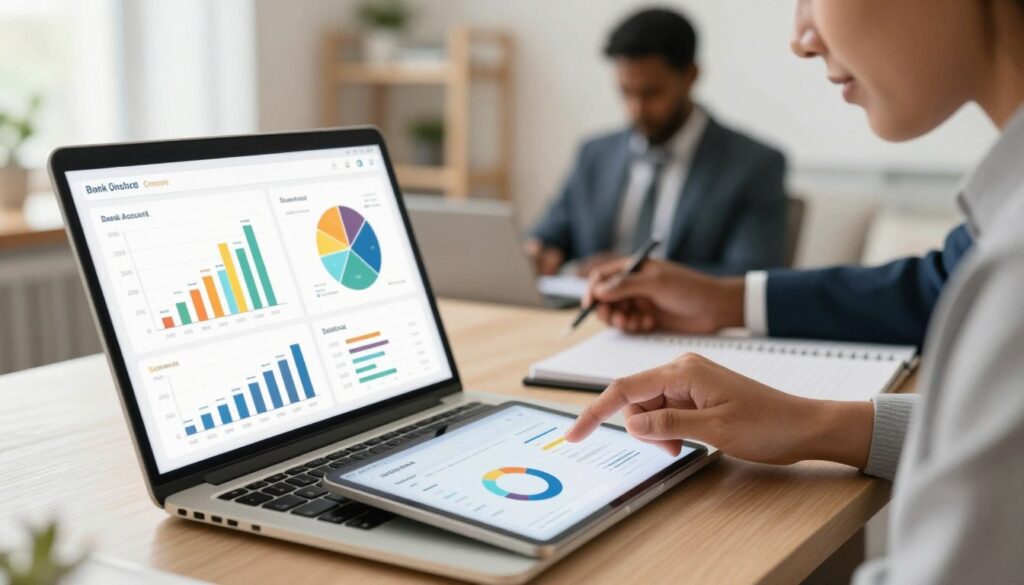
Linking your accounts brings your financial picture into clear focus in real time. Apps that sync with your bank reduce manual entry and give fast feedback. This helps you spend with more confidence and less guesswork.
Automating Transaction Imports
PocketGuard and Spendee both connect with bank accounts to pull recent transactions into one view. Automated imports keep data current so you see balances and cash flow without delay.
Reviewing Recurring Bills
These apps also list recurring bills like internet or cable. Reviewing those entries each month can reveal subscriptions you no longer need.
- Syncing bank accounts with PocketGuard helps you schedule and manage recurring bills.
- Spendee categorizes transactions and creates clear charts for quick analysis.
- Real-time alerts warn you of unusual spending and upcoming payments.
- Use this combined insight to make better choices and save money — see a short guide on save money.
“Stay current with your feeds; small checks each week save big headaches later.”
Benefits of Using Dedicated Financial Management Apps
A focused app can turn raw bank data into simple reports you can act on today.

YNAB produces clear reports and visual aids that show how your net worth grows. These visual cues help you see progress and plan next steps.
Monefy uses charts and graphs that highlight patterns in your transactions. That view makes it easier to adjust a budget and curb unnecessary purchases.
- Custom reports: create and export reports for taxes or an advisor.
- Net worth tracking: combine account data to watch cash flow and growth.
- Spending patterns: charts reveal where your money goes and where to cut back.
- Centralized data: keep all accounts in one place for efficient management.
- Faster goals: structured tools help you reach financial targets sooner than manual methods.
“Seeing your finances at a glance removes guesswork and makes planning simple.”
How to Choose the Right Tool for Your Financial Goals
Not all finance apps offer the same mix of convenience and control.
Start by listing your top goals. Are you saving for an emergency fund, paying down debt, or planning a large purchase?
Comparing Free Versus Premium Features
Look at the free version first. Some apps give basic tracking and simple charts at no charge. That may be enough if your needs are modest.
Next, weigh the premium features and the cost. YNAB offers a 34-day free trial; its annual plan is $109, or $14.99 per month. EveryDollar has a free version, while premium with bank sync runs $79.99 per year.
- Test before you buy: use trials to check critical features against your goals.
- Compare versions: ensure the paid tier adds real value for the price.
- Check robust free options: some providers, like NerdWallet, pack many useful features into a no-cost version.
“Choose the version that covers your priorities without extra bells you won’t use.”
If you want help pairing tools with saving plans, see these money-saving tips.
Manual Tracking Methods for Total Data Control
Recording transactions by hand or with a simple app puts data control back in your hands. Manual entry keeps sensitive account links out of the loop and makes you the keeper of your financial record.

Monefy and Fudget show how this works. Monefy lets you log each purchase and spot patterns without syncing. Fudget creates clear lists of income and expenses for a no-frills view of your money.
This approach to tracking suits people who worry about security or prefer hands-on budgeting. It takes more time, but it forces mindful checks that often cut wasteful habits.
“Entering each transaction makes you more aware of choices and habits.”
| Method | Privacy | Ease |
|---|---|---|
| Fudget | High | Simple lists |
| Monefy | High | Quick entry |
| Journal / Spreadsheet | Highest | Manual but flexible |
Managing Shared Finances with Partners and Families
Managing joint accounts works best when both partners agree on a single app and simple rules. Clear tools cut confusion and make conversations about money far easier.

Spendee offers shared wallets that let couples, roommates, or a family team pool transactions in one place. This makes it simple to see who paid what and where funds are going.
EasyBudget lets you share a budget with others so partners can review goals and adjust plans together. When a team uses the same tool, transparency rises and disputes fall.
- Shared wallets: combine expenses for joint bills and saving goals.
- Multi-user access: families can coordinate daily spending and allowances.
- Open records: help couples discuss habits and set a common plan.
“Use shared features to avoid surprises and keep everyone on the same page.”
For simple saving ideas that pair well with shared budgeting, see a short guide on how to save.
Analyzing Spending Trends to Improve Financial Habits
A few simple charts can turn raw numbers into usable insights about where your money flows.

Regularly reviewing reports helps you spot patterns that weaken progress toward goals. Tools like NerdWallet offer visual dashboards that sort transactions into needs, wants, and investing. Those dashboards make it easier to see where adjustments matter most.
Look at category breakdowns each week or month. Even small shifts in dining or subscription costs add up. Use the data to set limits and nudge better choices.
Consistent review builds stronger habits. When you compare reports over time, trends become clear and you can reassign money toward savings or debt payoff.
- Use dashboards for clear insights into recurring costs.
- Check reports regularly to track habit changes.
- Let data guide budget tweaks, then measure the result.
Small reviews, done often, produce steady gains. For extra help with saving plans, see a short guide on smart saving.
“Analyze the numbers; let the trends guide your habits.”
Security Considerations When Linking Financial Accounts
Simple sync features can make money management easier—if the app protects your data. Always treat account connections as a safety decision, not just a convenience.

Look for secure encryption and clear privacy policies before you link accounts. Reputable apps use bank‑grade protection so your personal information and money remain safe.
Use device safeguards where available. MyMoney lets you lock the app with a PIN number or fingerprint for an extra layer of protection when you manage accounts on your phone.
- Prioritize platforms with robust data protection and strong encryption.
- Verify an app’s security features before you connect any bank accounts.
- If you prefer extra privacy, choose apps that allow manual entry alongside account linking.
- Protecting your financial information helps prevent fraud and keeps your money management intact.
“Security should come first: protect your logins and review permissions often.”
Overcoming Common Challenges in Expense Tracking
Sticking with any system is harder than choosing it, but consistency wins.

Manual entry often feels like a daily chore. Recording every expense takes extra minutes that add up. That lost time is why many people move toward apps for help.
Find a simple tool first. Pick an app that needs minimal setup and fits your routine. Small steps make it easier to keep a steady habit.
- Time drain: manually logging each purchase costs real minutes every day.
- Consistency matters: regular checks keep your budget useful and accurate.
- Try simple apps: they automate parts of the process and reduce friction.
- Match your life: choose manual entry or bank syncing based on what you’ll use.
Clear, consistent expense records build trust in your plan. Address these hurdles and you’ll create a lasting habit that supports your budget and long-term goals.
“Small routines beat big plans that never start.”
Maximizing Your Savings Through Consistent Monitoring

Consistent checks on your habits help you move steadily toward savings goals. A brief review each week shows where money flows and where cuts are possible.
Budgeting apps give clear insights that help you make better choices with your cash. They show progress, suggest targets, and make it simple to increase your contributions when you can.
- Regular monitoring keeps you aligned with long-term goals like a home fund.
- Seeing progress motivates small changes that compound over time.
- Apps let you set visual goals and watch how each deposit grows total savings.
When you check your budget often, overspending becomes easier to catch. That reduces surprises and speeds progress toward larger targets.
“Small reviews, done often, produce steady gains.”
| Action | Benefit | Tool Example |
|---|---|---|
| Weekly review | Spot overspend early | PocketGuard |
| Goal snapshots | Boost motivation | YNAB |
| Auto-saved transfers | Increase contributions | EveryDollar |
Conclusion
Small, consistent checks of your budget add up to real progress over time. Good budgeting and the right apps make managing money less confusing. Start with one simple habit and let it grow into steady returns.
Whether you prefer automated tools or manual entry, tracking expenses helps you meet your goals. Use clear reports and simple charts so data guides decisions. That way, savings rise and needless spending falls.
Take the time to compare each version and its features. Pick the app that fits your routine and team. Begin now — a short weekly review saves time and keeps your money working for your future.
FAQ
What app options let me connect multiple bank accounts for automatic expense imports in the free version?
How does zero-based budgeting work and can I use it with free tools?
Are digital envelopes better than traditional methods for household budgets?
What security measures should I check before linking bank accounts to an app?
Can I get useful spending reports without paying for premium app features?
How do I handle cash transactions when using automatic bank syncing?
What are common pitfalls people face when starting automated expense tracking?
Is manual tracking still useful if I use automatic syncing tools?
How can couples collaborate on a shared budget without losing privacy?
What should I compare when choosing between free and premium app versions?
How often should I review my transactions and budget each month?
Can expense-tracking apps help me save more money, or do they just show where I spend?


